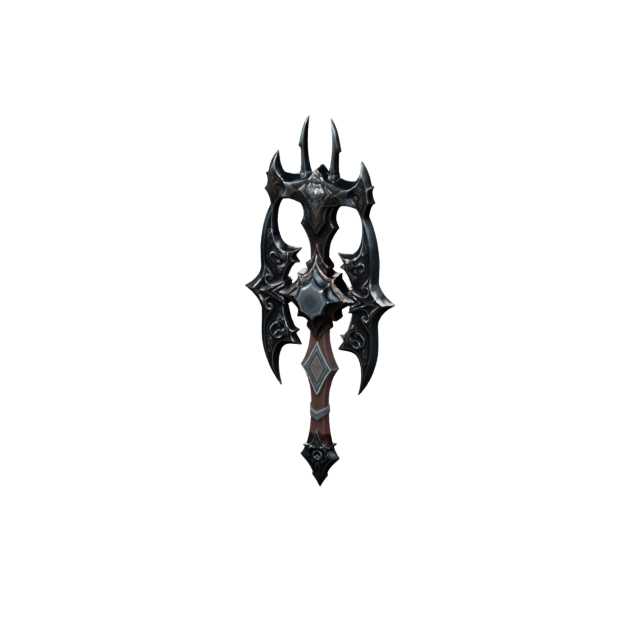
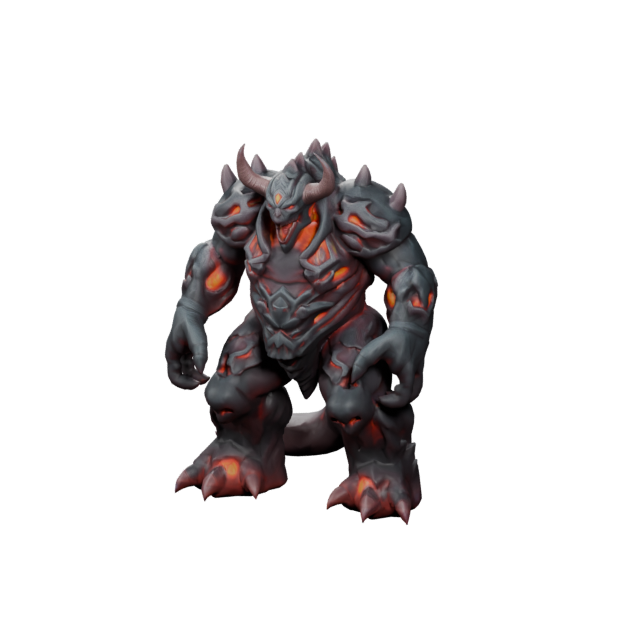
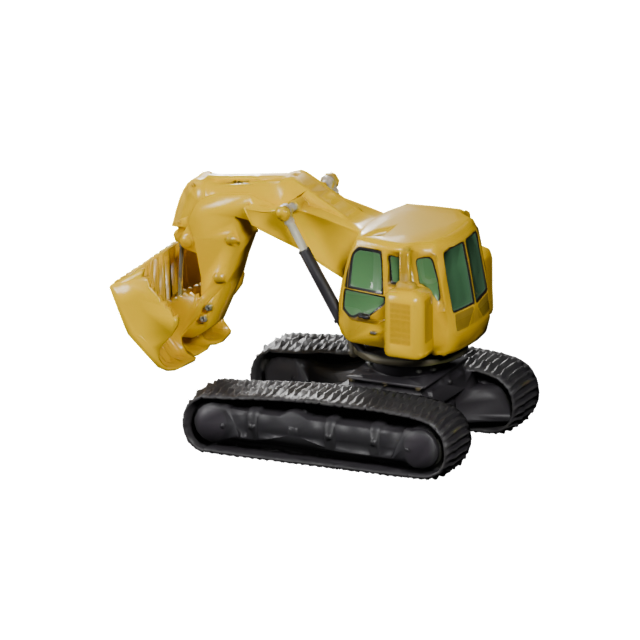
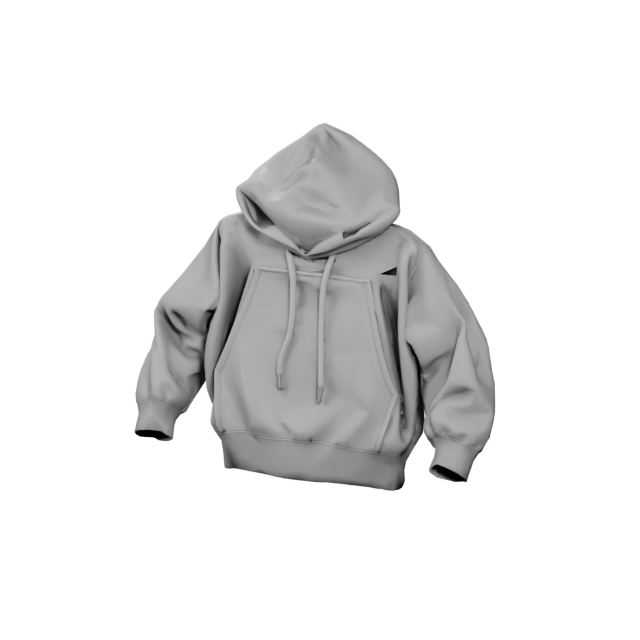
Text to 3D maker
Make from a prompt
When the model is still an idea, describe it. Name the subject, style, material, and use case, and Make3D AI shapes the first 3D draft you can build on.
Make from text Make3DAI.com
Sign in or create your account to generate and manage your AI 3D models.
By continuing, you agree to our Terms and Privacy Policy.
Make3DAI.com is a 3D Maker AI workspace for making downloadable 3D assets from prompts, reference images, or multiple views. Make characters, props, product concepts, printable objects, game assets, and AR-ready 3D models online - then export GLB, OBJ, FBX, STL, PLY, USDZ, or 3MF.
This model is designed for subscribers. Upgrade your plan to unlock higher-quality 3D generation and advanced model options.
3D Maker AI is the fast way to make a real, downloadable 3D asset from a single text prompt or one reference image. Instead of opening an empty viewport and modeling every edge by hand, you describe the object — or upload a picture of it — and the maker builds the shape, surface, and detail for you in seconds.
It is the maker workspace on Make3DAI.com: type a brief, watch the 3D form appear, spin it in the browser, then export the file your project actually needs. From a game character to a sneaker to a printable figurine, Make3D AI takes you from rough concept to usable asset without the long modeling learning curve.
You bring the direction — the subject, the style, the colors. 3D Maker AI handles the geometry, the surface, and the export. What used to take hours of manual modeling becomes a few seconds of generation you can refine and reuse.
Match the input to what you already have. Every path through Make3DAI.com ends in a downloadable 3D model you can preview, refine, and export.
When the model is still an idea, describe it. Name the subject, style, material, and use case, and Make3D AI shapes the first 3D draft you can build on.
Make from textUpload a product photo, sketch, mascot, or concept art. The maker reads the main subject and builds a 3D version that matches your reference.
Make from pictureWhen proportions matter, feed front, side, and back references. Multiple angles help the maker lock in a consistent, accurate 3D shape.
Make from Multiple Picture3D Maker AI is tuned for focused, single-subject assets — exactly what game studios, product teams, makers, and online stores need. Pick a direction and start from a prompt or an image.
Make stylized heroes, NPCs, creatures, and mascots ready to refine in Blender, Unity, or Unreal Engine.
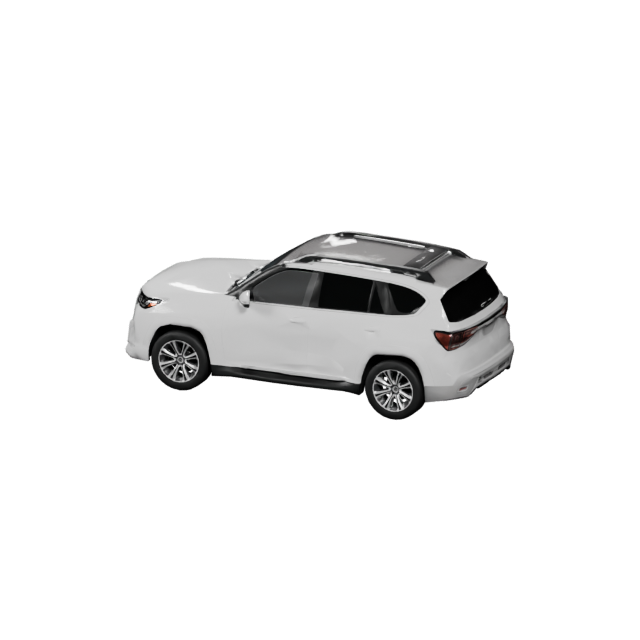
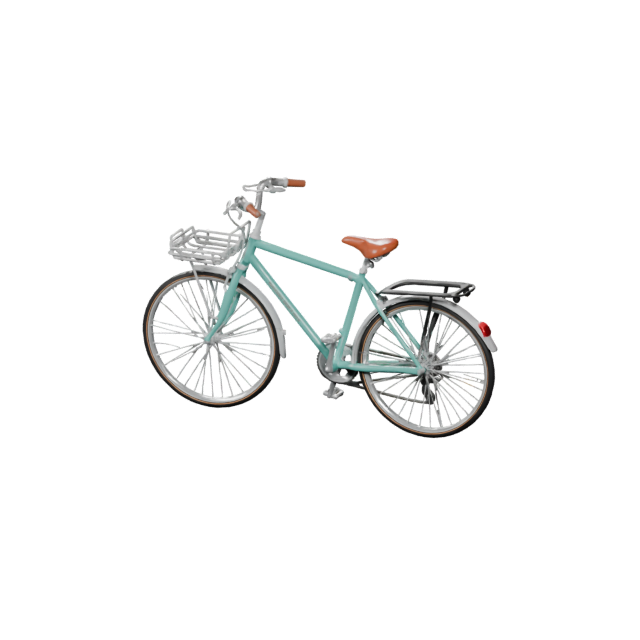
Make cars, trucks, bikes, and futuristic concepts for games, ads, configurators, and design reviews.
Make planes, drones, jets, and spacecraft concepts for simulators, visualizations, and presentations.
Make sneakers, accessories, and wearables for 3D try-on, product pages, and design concepting.
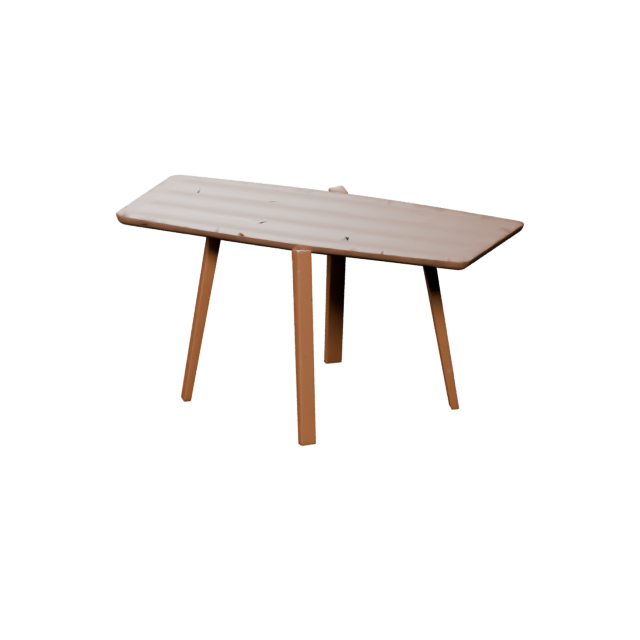
Make chairs, sofas, lamps, and home pieces for room planners, AR previews, and store catalogs.
Make bottles, gadgets, and packaging into spin-ready 3D visuals for listings, ads, and AR product views.
Single-subject objects are where 3D Maker AI shines. Here are a few more directions makers reach for on Make3DAI.com.
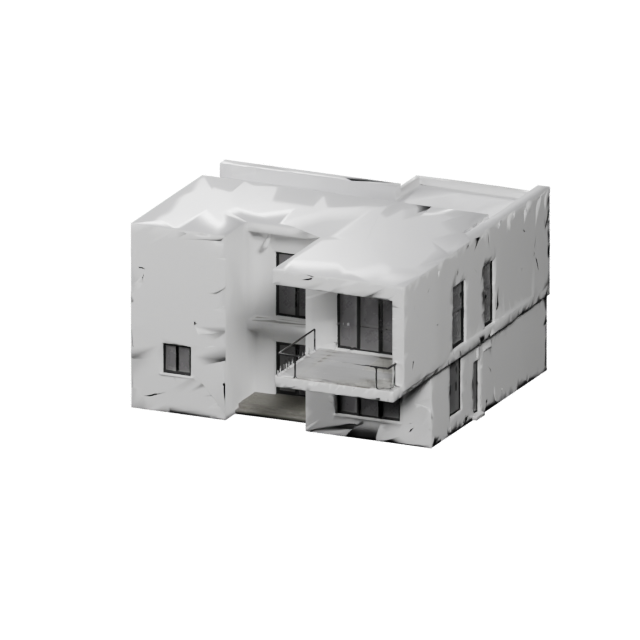
Houses, shops, and stylized structures for games, maps, and visualizations.
Rockets, satellites, and spaceships for cinematics, games, and STEM demos.
Plush figures, miniatures, and desk toys for printing and merch design.
Mugs, gadgets, food, and scene props for content, ads, and prototypes.
A one-word prompt like “robot” leaves too much open. The strongest results come from a short, specific brief that names the silhouette, style, material, color, detail level, and where the asset will live.
The page is built around a practical loop: set a direction, make the model, then export it for whatever comes next.
Pick one focused subject — a prop, product, vehicle, character, building, or printable object — and decide on its style and use case.
Use text, an image, or several views. Make3D AI builds the shape, mesh, and surface so you get a real 3D result to judge fast.
Spin the model, check the silhouette and details, then download the format your engine, slicer, or AR viewer expects.
Use these as templates. Aim for specific but not overloaded — enough detail to guide the maker without confusing the object.
A friendly low-poly robot assistant, round head, small antenna, white plastic body, glowing teal eyes, clean game-asset style.
A sleek electric concept car, low stance, glossy deep-blue paint, glass canopy, chrome rims, studio product style.
A minimalist perfume bottle, frosted glass, soft lilac liquid, gold cap, clean studio lighting, product hero shot.
A cute mushroom creature, short legs, sleepy eyes, soft round cap, smooth printable surfaces, toy collectible proportions.
A cozy stylized cottage, stone walls, warm wooden door, red sloped roof, glowing windows, low-poly game-map style.
A chunky retro sneaker, pastel-pink suede upper, white sculpted sole, glossy accents, studio product render.
It is not here to replace precise engineering CAD — it is here to get you from idea to a usable first asset fast, then hand off cleanly to your pipeline.
Skip the blank viewport. Type a brief or drop an image and get a real 3D model to evaluate almost immediately.
Try different styles, materials, colors, and proportions before you commit one to careful manual refinement.
Move models straight into Blender, Unity, Unreal, slicers, AR viewers, and web 3D with standard file formats.
Every asset you make on Make3DAI.com exports to the common 3D formats, so it slots into web, game, AR, printing, and editing workflows.
For creators comparing AI 3D makers, game-asset tools, image-to-3D workflows, and printable-model creation.
3D Maker AI is the use of artificial intelligence to make a real 3D asset from a simple input such as a text prompt or an image. On Make3DAI.com you describe or upload what you want, the maker builds the geometry and surface, and you download a usable 3D file.
It is a maker workspace: after the model appears you can preview it in 3D, then convert, repair, texture, remesh, measure, and export it. You always end with a downloadable file rather than only a flat image of something 3D.
Yes. Choose Text to 3D, describe the subject, style, and use case, and Make3D AI builds a downloadable model from your prompt. Adding material and detail words usually makes a stronger result.
Yes. Choose Picture to 3D and upload a clear, well-lit reference with one main subject. The maker reads the object and builds a 3D version you can refine and export.
Game characters and props, vehicles, aircraft, furniture, footwear, product and packaging concepts, buildings, toys, and printable figurines — any focused single-subject 3D asset.
No. The workflow is prompt-first, so beginners can start from words or images. Experienced artists also use it for quick concepting and asset drafting before manual cleanup.
Yes. Draft props, creatures, collectibles, environment pieces, and stylized characters, then continue in Blender, Unity, or Unreal Engine. Cleaner topology and quad-mesh options help import.
Yes. Export STL or 3MF, and use the repair and volume tools to check geometry and estimate material before sending a model to your slicer.
Name the subject, silhouette, style, material, color, detail level, and intended use. For example: a friendly low-poly robot assistant with a round head, white plastic body, glowing teal eyes, and clean game-asset style.
Make3DAI.com supports GLB, OBJ, FBX, STL, PLY, USDZ, and 3MF, covering web, game-engine, AR, printing, and editing workflows.
Commercial use depends on your membership plan and license terms. Plans that include commercial rights let you use the 3D assets you make under those terms.
Start from a prompt or an image, make a 3D model, spin it in the browser, and export the file your game, store, slicer, or AR project needs. Make3D AI turns the idea you already have into an asset you can ship.