FAQ
Multiple Pictures to 3D — frequently asked questions
Answers about character sheets, turnarounds, drawings, concept art, AI-generated references, front and side views, and downloadable 3D formats.
What does multiple pictures to 3D mean?
It means using several views of the same character or object—such as front, side, back, and detail pictures—to generate one 3D model. The pictures work together as a single reference set.
Can I make a 3D model from a character sheet?
Yes. A character sheet with matching front, side, and back views is a strong input for creating a 3D character starting point, especially when the proportions, clothing, and pose stay consistent.
Can I turn a character turnaround into a 3D model?
Yes. Upload the front and side views first, then add the back and opposite-side views when available. A consistent turnaround gives the AI more information about the full character.
Can I use drawings or concept art instead of photos?
Yes. Make3D AI can work with drawings, concept art, illustrations, and AI-generated reference pictures as well as real photos. Keep the subject, proportions, style, and pose consistent across views.
Can I use AI-generated pictures as 3D references?
Yes. AI-generated front, side, and back references can be used when they clearly show the same subject. Check that clothing, accessories, colors, proportions, and pose do not change between images.
How many pictures should I upload?
Upload 2 to 4 pictures. Front and side views provide the basic shape. Back and detail views add information about hidden surfaces, clothing, accessories, and rear design.
What pictures work best?
Use the same subject in the same pose, at a similar scale, with matching proportions and a simple background. Keep the full character or object visible in every picture.
Is multiple pictures to 3D different from one picture to 3D?
Yes. One-picture generation must estimate unseen areas. Multiple-picture generation uses extra views to guide the sides, back, depth, silhouette, and asymmetrical details.
Can I make a 3D character from front and side pictures?
Yes. Front and side pictures are the minimum required views on this page. Adding a back picture usually gives the AI better information about hair, clothing, accessories, and rear anatomy.
What kinds of subjects work well?
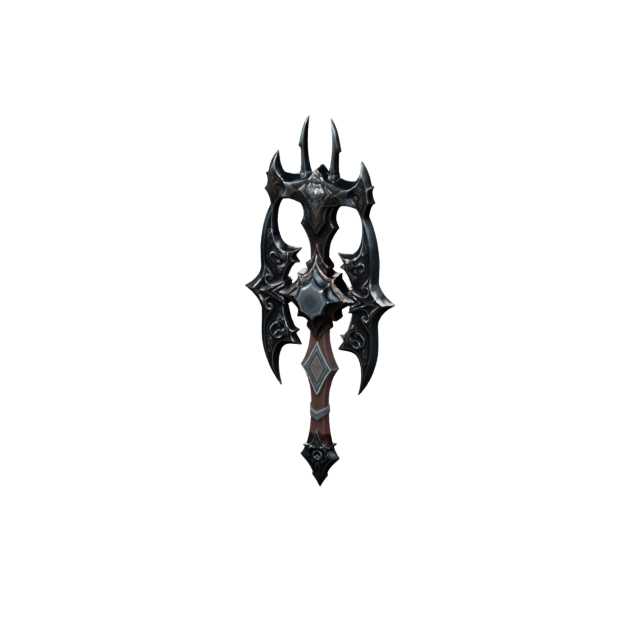
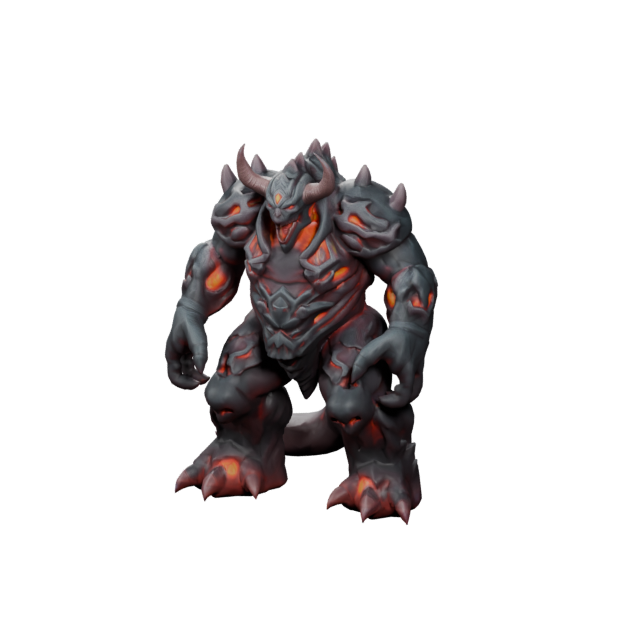
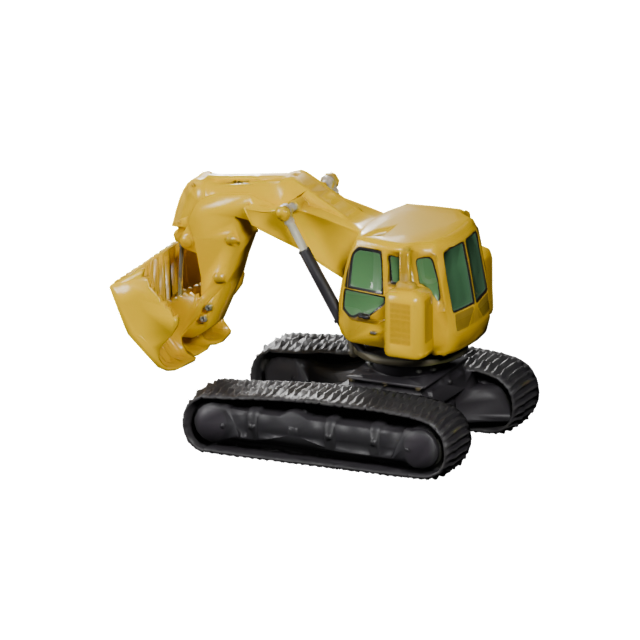
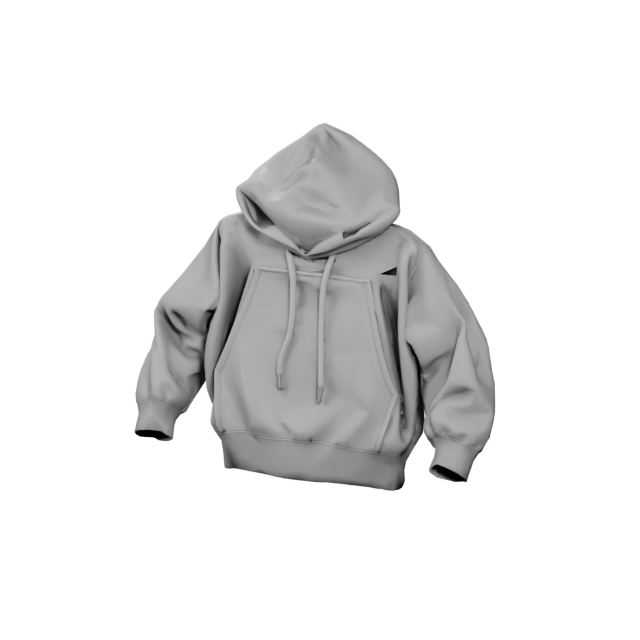
Character turnarounds, mascots, toys, stylized creatures, game characters, props, collectibles, concept objects, and clearly presented real objects can all benefit from multiple reference pictures.
What 3D file formats can I download?
Make3DAI.com supports GLB, OBJ, FBX, STL, PLY, USDZ, and 3MF exports.
Can I use generated models commercially?
Monthly members receive commercial usage rights for generated 3D assets. Annual members also receive commercial usage rights and can download a separate commercial authorization license for each individual 3D asset. Only upload pictures you own or are licensed to use.
What happens if generation fails?
If generation fails and no usable 3D asset is created, the credits used for that failed generation are automatically returned to your account.
 Make3DAI.com